Whether you’re editing a YouTube video, building a brand promo, or producing content for clients, finding sharp, professional-grade footage can quickly become frustrating. Low resolution, unclear licenses, and overused clips often limit creative freedom. The good news? A wealth of truly free, cinema-grade stock footage—from crisp 4K to immersive 8K—is available online. We've done the legwork to bring you a handpicked list of sites offering high-definition videos that are both legally safe to use and visually impressive, empowering you to create boldly and freely.
🎬Free & Safe Stock Video Websites (4K/8K/Ultra HD): At A Glance
Finding free, high-quality stock footage that is safe for commercial use is a common challenge for video creators. To help you avoid copyright issues and save production costs, we’ve categorized trusted free stock video platforms by real-world usage scenarios, along with clear licensing explanations.
1️⃣ Best Free Stock Video Sites for YouTube Videos
Ideal for long-form content such as vlogs, tutorials, reviews, and storytelling videos.
| Website | License Type | Commercial Use | Attribution Required | Key Features & Highlights | Notes |
|---|---|---|---|---|---|
| Pexels | Pexels License | Yes | No | High-quality HD & 4K videos, modern visuals, no attribution required, great for social media and YouTube | Safe for monetized YouTube videos, editing allowed |
| Pixabay | Pixabay License | Yes | No | Large library of free stock videos, safe for commercial use, includes motion backgrounds & nature clips | Widely used by creators, avoid logo/trademark misuse |
| Mixkit | Mixkit License | Yes | No | Curated cinematic-style clips, ideal for promos, intros, and lifestyle content | High-quality B-roll and cinematic clips |
| Life of Vids | Custom Free License | Yes | No | Artistic, cinematic footage with minimal restrictions, great for storytelling | Artistic footage, redistribution not allowed |
| Videvo | Mixed (Free / CC) | Depends | Sometimes | Free HD & 4K footage, includes motion graphics and backgrounds (check license per clip) | Always check the license per clip |
| Mazwai | Creative Commons | Depends | Sometimes | High-end, cinematic clips curated for filmmakers and creative projects | Some clips require attribution |
| Videezy |
Standard License (Usually requires attribution) | Yes | Sometimes | Focuses on high-res aerials and abstract backgrounds. Look for "Standard" vs "Pro" labels. | / |
| Freestock |
Generally royalty-free | Yes | No | Offers a comprehensive range of assets, including photos, vector illustrations, icons, and video clips. | / |
Top Picks: Pexels, Pixabay, Mixkit
2️⃣ Best Free Stock Video Sites for Shorts, Reels & TikTok
Optimized for short-form, vertical, and fast-paced content.
| Website | License Type | Commercial Use | Attribution Required | Key Features & Highlights | Notes |
|---|---|---|---|---|---|
| Coverr | Coverr License | Yes | No | Trendy short clips perfect for websites, hero sections, and vertical video projects | Perfect for vertical and modern visuals |
| Mixkit | Mixkit License | Yes | No | Hand-picked, artistic short films. Perfect for emotional or high-concept creative projects. | Great transitions and lifestyle footage |
| Splitshire | Splitshire License | Yes | No | Unique lifestyle and business footage created by independent photographers | Strong branding and lifestyle visuals |
| Vidsplay | Vidsplay License | Yes | No | Weekly updated stock videos, simple licensing, suitable for ads and explainer videos | Attribution appreciated but not mandatory |
| Distill | Distill License | Yes | No | Carefully selected HD & 4K clips, free for commercial use, clean and minimal style | Clean, minimal clips suitable for premium Shorts |
Best for Short-Form Content: Coverr & Mixkit
3️⃣ Best Free Stock Video Sites for Commercial Ads & Brand Projects
Suitable for marketing campaigns, client work, and paid promotions.
| Website | License Type | Commercial Use | Attribution Required | Key Features & Highlights | Notes |
|---|---|---|---|---|---|
| Pexels | Pexels License | Yes | No | All content is free to use under the Pexels license, including for commercial purposes. Attribution is not required. | Trusted for professional advertising |
| Pixabay | Pixabay License | Yes | No | Content is shared under the simplified Pixabay License, free for commercial use with no attribution required. | Do not use for logo or trademark registration |
| Mixkit | Mixkit License | Yes | No | The assets are released under a free license for most commercial and non-commercial projects without attribution. | Safe for brand videos and promos |
| Motion Places | Custom Free License | Yes | No | Travel-focused stock videos, cityscapes, landscapes, mostly in 4K | Excellent for travel and city footage |
| Dareful | Dareful License | Limited | No | Free Ultra HD & 4K videos, especially nature and aerial footage | Redistribution not allowed |
| Vimeo Free Stock | Vimeo License | Depends | No | Limited but high-quality free clips from professional creators | Limited free selection |
Safest Choices for Commercial Use: Pexels, Pixabay, Mixkit
4️⃣ Best Free Stock Video Sites for Background Loops & Motion Graphics
Perfect for websites, app demos, presentations, and looping visuals.
| Website | License Type | Commercial Use | Attribution Required | Key Features & Highlights | Notes |
|---|---|---|---|---|---|
| CuteStockFootage | Free Stock License | Yes | No | Free looping backgrounds, VJ clips, and animated visuals | Looping backgrounds and VJ visuals |
| Ignite Motion | Free License | Yes | No | Free video backgrounds, motion loops, and abstract visuals | Abstract and tech-style motion graphics |
| Beachfront B-Roll | Free License | Yes | No | Green screen, motion backgrounds, and cinematic clips | Green screen and motion backgrounds |
| Videvo | Mixed Licenses | Depends | Sometimes | Free HD & 4K footage, includes motion graphics and backgrounds (check license per clip) | Verify license before use |
⚠️ Free Stock Video Licensing: Quick Safety Guide
| Usage Scenario | Safe to Use |
|---|---|
| YouTube & Shorts | Yes |
| Commercial Ads | Yes (license-dependent) |
| Editing & Remixing | Strongly recommended |
| Reselling raw footage | Not allowed |
| NFT or Trademark use | High risk |
💻Top 8 Most Popular Sites for Free Stock Video (High-Quality): The Full Guide
1. Pexels – The Best for Modern Lifestyle & Social Media
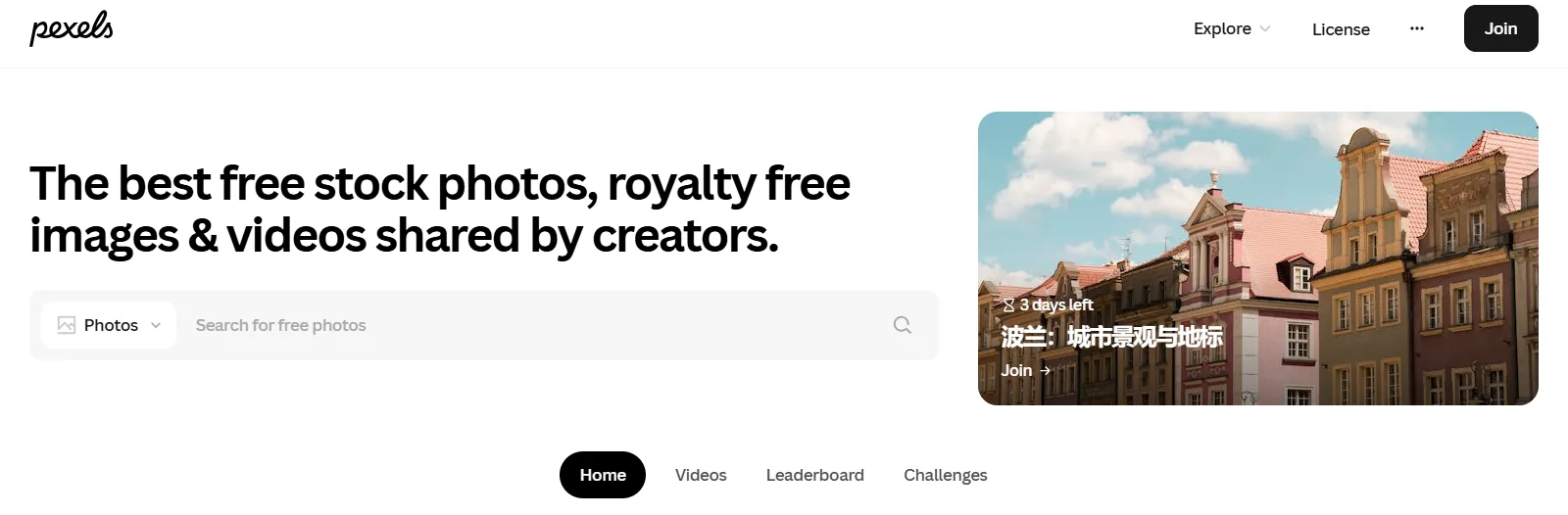
Initially launched as strictly a stock photos site, Pexels has been acquired by Canva and expanded to include an impressive library of 120,000+ stock video clips. Their video library includes HD, 4K, and a small number of 8K videos available in vertical, square, and horizontal orientations.
All content on the site is under Creative Commons Zero, giving users free rein to edit or alter the videos, and use them for commercial purposes for free without even crediting the creator.
⏩Main Content
Pexels excels in "Human-Centric" and Lifestyle content. Unlike older stock sites that can feel "stiff" or "corporate," Pexels content tends to be:
-
Cinematic B-Roll: Moody landscapes, urban cityscapes, and slow-motion textures.
-
Modern Lifestyle: Diverse people working in cafes, traveling, or using technology in realistic settings.
-
Nature & Drone: Stunning aerial 4K footage of mountains, oceans, and forests.
⏩Key Features of Pexels Stock Videos
Here are the core features of Pexels for video content:
| Key Features | Detailed Description |
|---|---|
| Cost & Licensing | All videos are completely free for personal and commercial use under the Pexels License. No attribution is required, but giving credit is appreciated. |
| Video Quality | Offers a library of high-quality, modern video clips, with many available in HD, 4K, and Ultra HD resolutions. |
| Search & Filters | Search functionality is basic. For videos, filters are minimal (e.g., orientation) and you cannot filter by duration, which can make finding specific clips time-consuming. |
| User Experience | Clean, intuitive interface. Allows unlimited downloads without requiring an account, though an account enables saving favorites and creating collections. |
| Integration | Owned by Canva, providing seamless integration there. Also offers a robust API and plugins for tools like Chrome, WordPress, and Microsoft Office. |
⏩Pros and Cons
| Pros | Cons |
| 100% Free: No "Premium" bait-and-switch; everything you see is free. | Niche Gaps: Harder to find very specific technical or medical footage compared to paid sites like Getty. |
| No Watermarks: High-quality raw files ready for professional editing. | No Indemnification: Since it's community-uploaded, there is a small risk of "stolen" content being uploaded by users (though Pexels moderates heavily). |
| High Aesthetic: The library is curated to feel trendy and modern. | Slow Downloads: Because the files are high-res 4K, servers can occasionally be slow during peak hours. |
| Global Community: New 4K clips are added daily from photographers worldwide. | Limited Advanced Filters: You cannot filter by frame rate (FPS) or specific camera models. |
⏩Who Is Pexels Best For?
Pexels is an excellent fit for:
-
Beginners, Hobbyists, and Budget-Conscious Creators: Anyone starting out or creating non-critical content for blogs, social media, or personal projects.
-
Content Creators Needing Quick B-Roll: Ideal for finding supplemental footage to enhance vlogs, tutorials, or online content.
-
Users Seeking Integration with Canva: A perfect companion for those who design within the Canva ecosystem.
📍Is there 8K on Pexels?
While 4K (Ultra HD) is abundant on Pexels, 8K footage is still relatively rare on the platform. If your project specifically requires 8K, you might find a few clips by searching "8K video" in the search bar, but for a dedicated 8K library, specialized sites like Dareful or paid sites like Artgrid are currently more consistent.
2. Pixabay – Huge Library with Maximum Creative Freedom
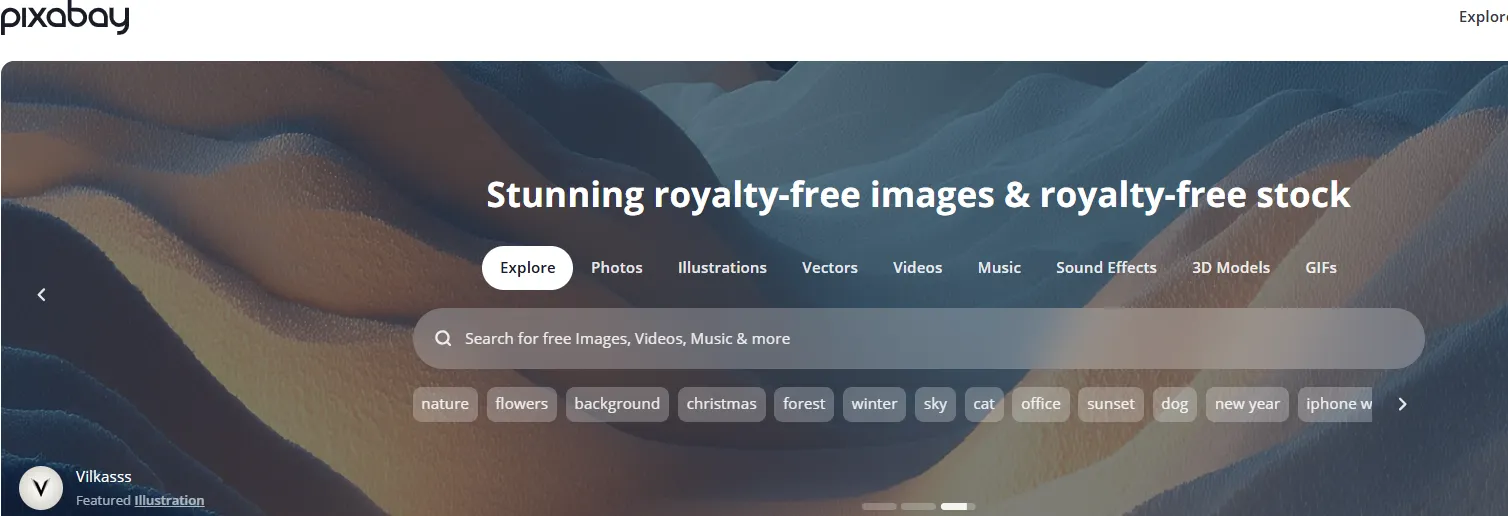
Canva sub-brand PixaBay’s use of the Creative Commons Zero License gives downloaders total freedom to use or manipulate footage in any way they see fit. With a library of over 70,000 royalty- and attribution-free HD and 4K videos provided by its large creator community, PixaBay is a great hassle-free place to meet your stock footage needs.
Some content is covered under PixaBay’s Creative Commons Zero license. The rest is covered under their Content License, which gives you worldwide and perpetual royalty-free rights to download and use. You can even use their content for both commercial and non-commercial purposes
⏩Main Content
Pixabay is the king of B-Roll and General Backgrounds. While Pexels is more "lifestyle-focused," Pixabay is better for:
-
Abstract & Technical: Digital networks, data flowing, light leaks, and spinning globes.
-
Commercial & Corporate: Business meetings, handshakes, and office environments.
-
Animations & Special Effects: Green screen clips, smoke overlays, and simple 3D transitions.
-
Nature & Landscapes: Vast libraries of drone footage, flowing water, and time-lapses.
⏩Key Features of Pixabay Stock Videos
To give you a quick overview, please refer to the summary table below:
| Key Features | Detailed Description |
|---|---|
| Royalty-free license | All video clips are released under the Pixabay Content License, which allows free use for both personal and commercial purposes without mandatory attribution. |
| Extensive library | Thousands of videos in HD and 4K resolution are available across diverse categories |
| Multiple media type | Besides video, you can download photos, illustrations, music, and more — all from one platform. |
| Easy search & filters | Simple filters for orientation, resolution (including 4K/HD), video length, and category make browsing intuitive. |
| No subscription required | Videos can be downloaded immediately without payment. |
⏩Pros and Cons
| Pros | Cons |
| Comprehensive Assets: Find video, SFX, and music all on one site. | Generic Feel: Some videos can look a bit "too stock" (less artistic than Pexels or Artgrid). |
| Simple Licensing: Most content is free for commercial use with no attribution required. | Sponsored Ads: The top row of search results is often paid ads (iStock), which can be confusing. |
| High Volume: Huge selection ensures you rarely come up empty-handed. | Quality Variance: Since it is community-contributed, some clips are professional while others are amateur-grade. |
| 8K Availability: Unlike many sites, Pixabay has a growing section of dedicated 8K footage. | "Standalone" Rule: You cannot sell the video as-is (e.g., you must include it in a larger project). |
⏩Who Is Pixabay Best For?
Pixabay is best for:
-
Generalist Marketers: If you need to produce many videos quickly (e.g., corporate promos or educational content), Pixabay’s variety is unbeatable.
-
YouTube Educators: Great for finding "talking point" B-roll (e.g., a video of a brain while talking about psychology).
-
Budget-Conscious Filmmakers: Ideal for those who need technical elements like green screen or motion backgrounds without paying for a premium subscription.
📍Is there 8K/Ultra HD on Pixabay?
Yes. While 1080p is the most common, Pixabay has a substantial and growing library of 4K and 8K footage.
-
Pro Tip: When searching, use the "Filters" button and select "Resolution: 4K" to hide lower-quality clips. For 8K, it is often best to include "8K" as a keyword in the search bar.
3. Mixkit – Curated Stock Videos for Polished Visuals
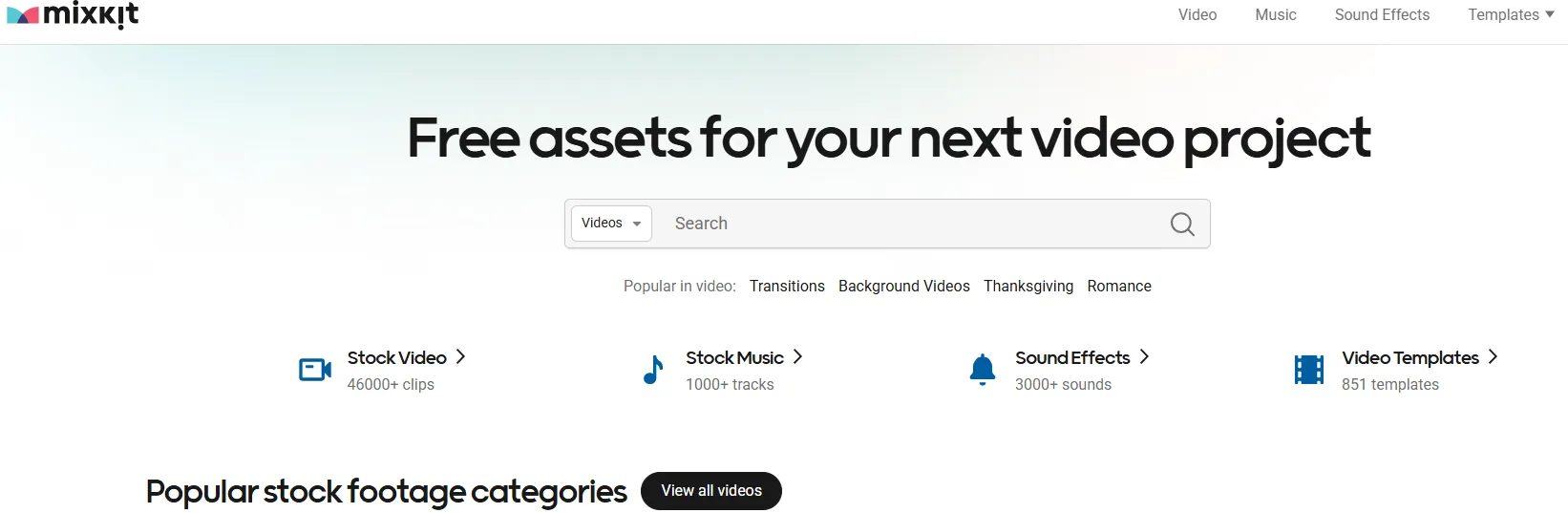
Mixkit is your go-to place when you need custom-made video templates, music, sound effects, and stock video clips. Powered by Envato, Mixkit is a free library of visual resources and assets you can use for your video projects without spending a dime.
Since using Mixkit requires no attribution, you can tap into new content every week and download stock video clips without breaking your budget. If you’re looking for RAW stock footage you can download for free, visit Mixkit.
⏩Main Content
Mixkit is best known for its Post-Production Assets. While it has traditional B-roll, its real value lies in:
-
Video Templates: Professional templates for Adobe Premiere Pro, After Effects, Final Cut Pro, and DaVinci Resolve.
-
Vertical Video: A dedicated section for high-quality vertical 4K clips specifically for TikTok, Reels, and YouTube Shorts.
-
Sound Effects (SFX): An incredible library of "Whooshes," "Transitions," and "Interface sounds" that are essential for snappy video editing.
-
Cinematic Footage: A heavy focus on lifestyle, drone shots, and urban "vibe" clips that look like they came from a high-budget commercial.
⏩Key Features of Mixkit Stock Videos
Here is a detailed analysis of Mixkit as a platform for free stock videos, including 4K and Ultra HD content.
| Key Features | Detailed Description |
|---|---|
| Core Feature | An all-in-one creative hub offering free stock video, royalty-free music, sound effects, and Premiere Pro templates. |
| Video Content & Quality | A curated library of unique videos in HD and 4K resolution. Content is added weekly. No watermarks on downloads. |
| Licensing Model | Operates a two-tier license system. Most content is under the Mixkit Free License (commercial use allowed, no attribution required). A small subset is for Restricted License (personal use only). |
| User Experience | Clean, intuitive interface. No sign-up required for downloads. Offers filters by category, orientation, and resolution. |
| Unique Assets | Beyond video, provides high-quality royalty-free music, sound effects, and editable video templates for Adobe Premiere Pro |
⏩Pros and Cons
| Pros | Cons |
| Templates Included: The only major free site providing high-quality PR/AE project files. | Smaller Library: Fewer total clips than giants like Pexels or Pixabay. |
| Extremely High Quality: Since it's curated by Envato, there is almost zero "amateur" footage. | Upsell Prompts: You will frequently see "Premium" suggestions that lead to paid Envato Elements plans. |
| No Attribution Required: Truly "set it and forget it" licensing for commercial work. | Limited 8K: While 4K is standard, true 8K raw footage is rare here. |
| Zero Friction: No watermarks, no sign-ups, and no hidden fees. | Search Relevance: Occasionally, the search results can be a bit broad compared to Google-level filtering. |
⏩Who Is Mixkit Best For?
Mixkit is an excellent fit for:
-
Content Creators & YouTubers who need a cohesive package of video and audio to produce professional-looking content regularly.
-
Small Businesses & Startups on a tight budget that require high-quality marketing or social media assets.
-
Video Editing Hobbyists & Students looking for quality resources to learn and practice without investment.
-
Freelancers who need reliable, free assets for client work where budget is constrained.
📍Is there 4K/8K/Ultra HD on Mixkit?
4K (Ultra HD) is widely available. Most of their modern drone and lifestyle footage is provided in 4K resolution. However, 8K is not their focus. If you are building a project for an 8K display, you might find Mixkit a bit limiting and should supplement it with Dareful or Artgrid.
4. Coverr – Perfect for Website Headers & Short Videos
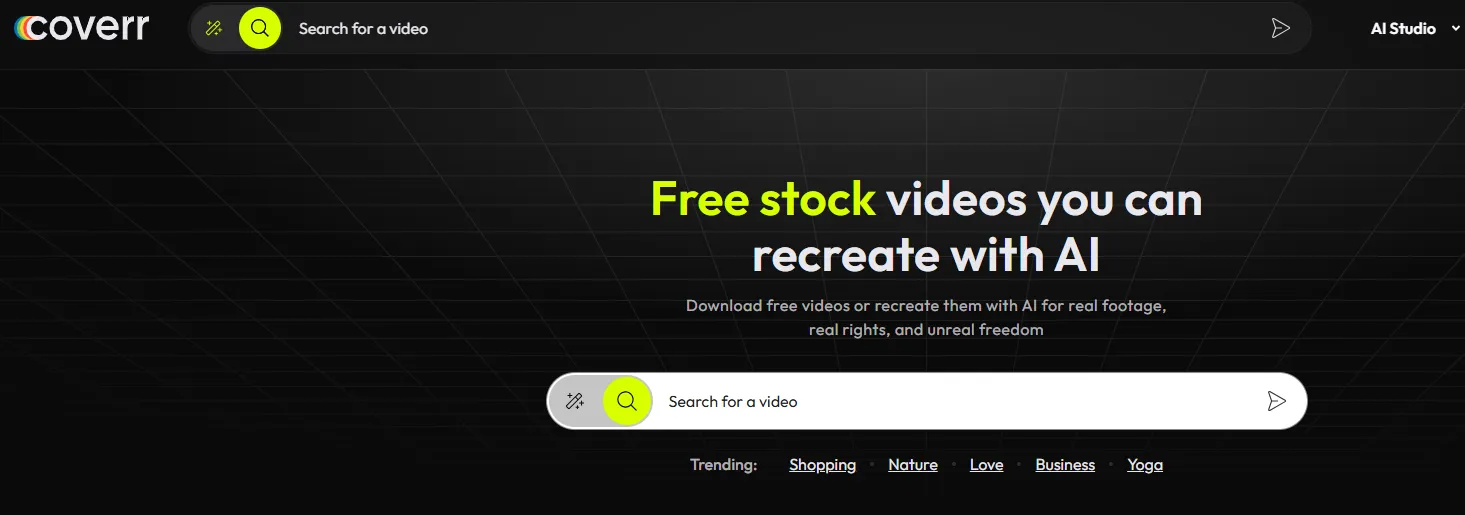
Do you need a reliable free platform for downloading professional stock footage for video conferencing and website backgrounds? Coverr is the right solution for accessing many top-grade free stock videos.
The platform provides high-quality cinematic clips you can use for personal, business, and marketing purposes. Coverr gives you free access to downloadable RAW video footage with no attribution, signup, or hidden fees to worry about.
In addition, the process of downloading video clips is as straightforward as possible. Find a video you want to download, click on it, and embed it into your project, webpage, etc. You can also modify, copy, and edit videos for personal uses, commercial video projects, etc.
⏩Main Content
Coverr is the master of Aesthetic and Atmospheric footage. It is particularly strong in:
-
Aerial & Drone: Breathtaking 4K bird's-eye views of cities, coastlines, and mountains.
-
Lifestyle & Mood: Authentic-feeling shots of people, "morning routines," and cozy interior vibes.
-
Web-Optimized Clips: Many videos are specifically shot to serve as "hero backgrounds" for websites, meaning they have a clean center and soft edges for text overlays.
-
Tech & Innovation: Clean, futuristic shots of people using gadgets, coding, or working in modern offices.
⏩Key Features of Coverr Stock Videos
Here is a summary table of the key features for Coverr, which helps explain why it is often ranked as a top choice for creators seeking cinematic, high-quality stock videos for free.
| Key Features | Detailed Description |
|---|---|
| Core Video Quality | HD and 4K resolution videos with a highly cinematic, professional look. The library is curated by filmmakers to ensure aesthetic quality . |
| Licensing Model | 100% free for personal and commercial use. No attribution is required and no sign-up is needed to download videos . |
| Unique Features |
|
| Content Scope | A curated, smaller but high-quality library focused on cinematic scenes, lifestyle, business, and nature. Includes categories like Vertical Videos and Website Backgrounds . |
| Best For / Main Uses | Filmmakers, marketers, web designers, and creators needing premium-looking B-roll, website hero sections, social media content, and advertisements . |
⏩Pros and Cons
| Pros | Cons |
| Ultra High Quality: Focuses on "quality over quantity," with many clips available in stunning 4K. | Smaller Database: You won't find the millions of clips that Pixabay offers; the selection is more boutique. |
| Completely Free: The core library is truly free with no hidden paywalls for high-res versions. | Freemium Upsells: Some high-end AI features and certain "Plus" clips require a paid subscription. |
| Professional Licensing: Clear rights for commercial use, ads, and social media monetization. | Limited Niche Topics: If you need very specific industrial or medical footage, the library may feel too "artistic." |
| User Experience: One of the cleanest, fastest interfaces in the stock video world. | Attribute Request: The free license sometimes encourages attribution more than Pexels does. |
⏩Who Is Coverr Best For?
Coverr is particularly valuable for:
-
Indie Filmmakers & Videographers who need high-quality B-roll to complement their shots without a budget.
-
Marketers & Brands creating premium ads, social media content, or website hero sections that require a polished, cinematic aesthetic.
-
Web & Graphic Designers looking for stunning, loopable background videos for websites or presentations.
-
Content Creators (YouTubers, etc.) who want their productions to stand out with a more filmic quality
📍Is there 8K/Ultra HD on Coverr?
4K (Ultra HD) is a standard feature for a significant portion of their library. While 8K is still becoming mainstream in 2026, Coverr is one of the early adopters, offering a specialized selection of 8K drone and landscape footage. Look for the "4K" or "8K" tags on the video thumbnail before downloading.
5. Videvo – Free Footage with Motion Graphics Options
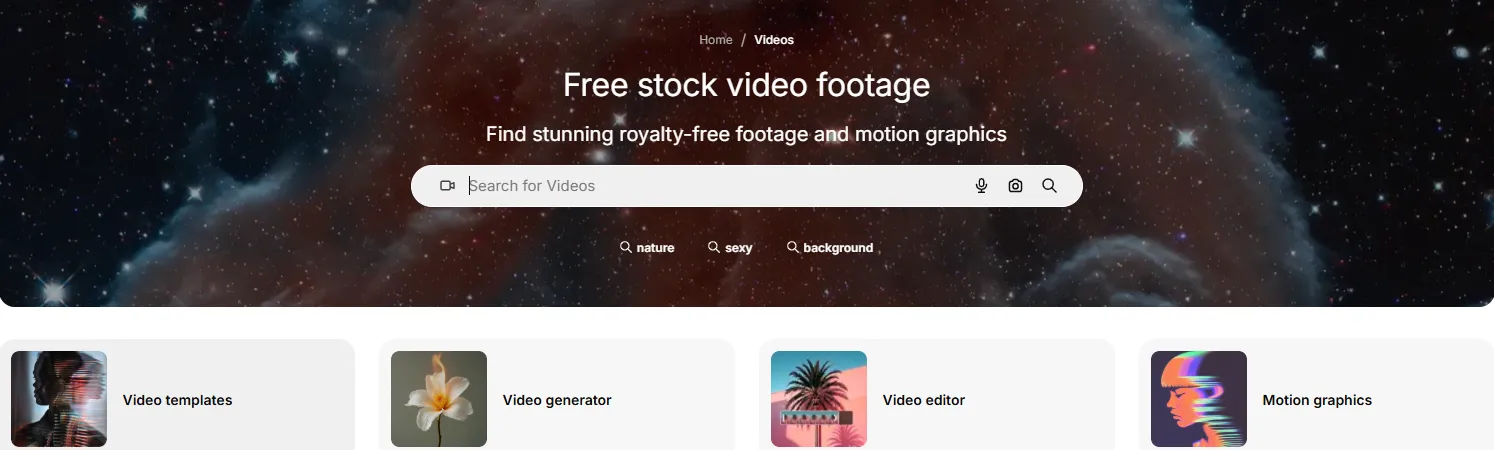
If you need free motion graphics and HD stock footage for download, Videvo has you covered. Tapping into Videvo’s extensive library gives you access to loads of HD stock videos, including a small selection of 4K video clips.
Although the quality of video footage tends to vary on Videvo, you can find highly professional clips. In most cases, video clips are available in either QuickTime MOV or MP4 format.
⏩Main Content
Videvo’s content is community-driven but heavily moderated for quality. It is strongest in:
-
VFX & Overlays: Light leaks, dust particles, and green screen elements.
-
Nature & Science: High-quality 4K drone shots and microscopic/scientific visualizations.
-
Motion Backgrounds: Abstract looping animations for presentations or lyric videos.
-
Industrial & Tech: Clean shots of machinery, coding, and futuristic concepts.
⏩Key Features of Videvo Stock Videos
Here is a summary table of Videvo's key features. Its main distinction is offering a large, mixed library of free and premium content, with a particular strength in video templates and motion graphics.
| Key Features | Detailed Description |
|---|---|
| Core Content & Quality | Vast library of videos, motion graphics, and audio. Over 350,000+ total stock clips (including free and premium). Videos are offered at a minimum of HD quality, with some content in 4K. |
| Licensing Model |
Multiple licenses apply:
|
| Unique Assets |
|
| Best For / Main Uses | Content creators, marketers, and video editors who need versatile assets (especially templates and motion graphics) and are comfortable managing mixed licensing and attribution |
⏩Pros and Cons
| Pros | Cons |
| All-in-One Hub: Find your video, background music, and sound effects in one search. | Complex Licensing: Some clips are "Royalty-Free," while others require Attribution (mentioning the author). |
| High-Quality 4K: A significant portion of the library is available in 4K Ultra HD. | The "Premium" Mix: Search results often mix free clips with "Premium" ones, which can be frustrating if you're on a $0 budget. |
| Motion Graphics: Excellent selection of free animations that other sites charge for. | Variable Quality: Because it's a contributor community, some clips are professional cinema-grade while others are more "home-movie" style. |
| No Account Required: You can download many free clips instantly without signing up. | Limited 8K: While 4K is abundant, true 8K footage is still rare in the free tier. |
⏩Who Is Videvo Best For?
Videvo is a practical choice for:
-
Intermediate creators who understand licensing terms and are diligent about checking them.
-
Projects needing animated elements like motion graphics for titles, transitions, or background loops.
-
Users who browse multiple free sites and can use Videvo to find specific assets others might lack.
📍Pro Tip for 2026: When using Videvo, always look at the License icon on the download page. If it says "Videvo Attribution License," you must credit the videographer in your video description. If you want to avoid this, use the filter to select "Royalty-Free" only.
6. Vidsplay – Royalty Free Stock Video Footage Clips
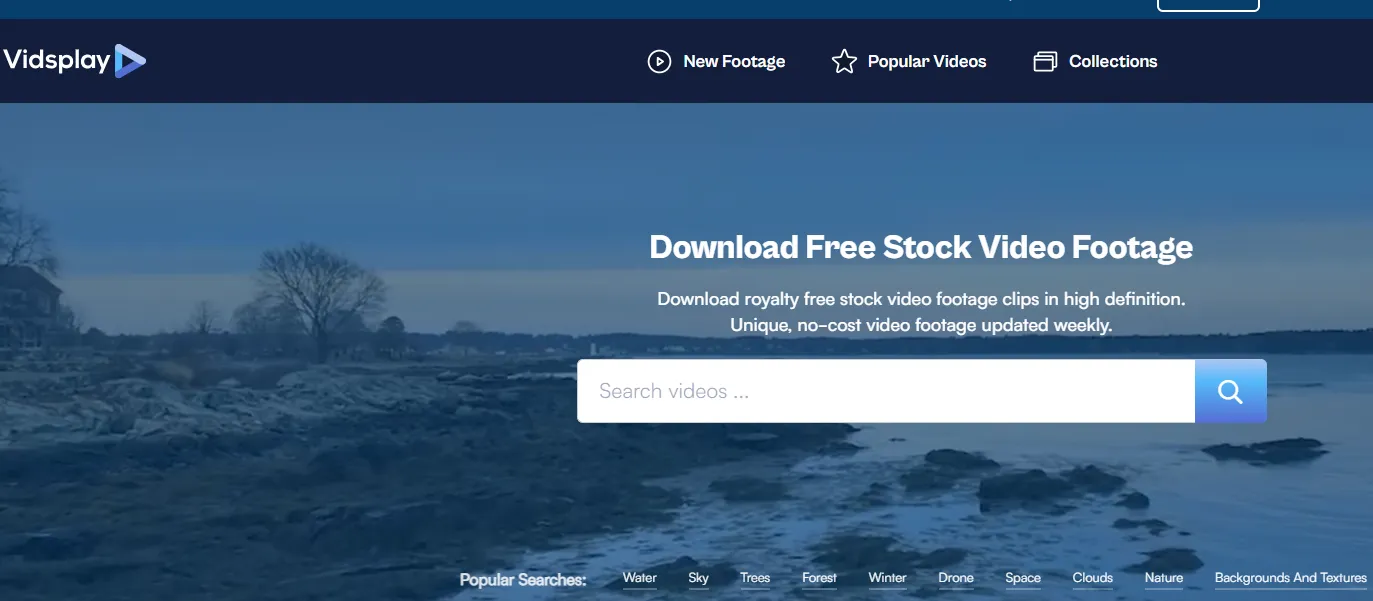
In the ever-evolving landscape of 2026 content creation, Vidsplay remains a steadfast choice for creators who value simplicity and a consistent stream of new material. While it may not have the massive marketing budget of the industry giants, it serves as a reliable "hidden gem" for high-definition b-roll.
Vidsplay has over 500 stock footage clips available for free download, including a selection of hand-curated galleries sorted into a variety of themes from animals to religious to time-lapse. Quality can sometimes vary, but with new clips added every week, creators will have no shortage of options when browsing their extensive library looking for footage to give their next project some extra pizzazz.
⏩Main Content
Vidsplay is particularly strong in Functional and Texture-based footage. It is a top choice for:
-
Backgrounds & Textures: Abstract colors, moving shapes, and artistic textures that are perfect for title cards or overlays.
-
Production Elements: Includes unique assets like film countdown leaders, hi-tech HUD interfaces, and chroma key (green/blue screen) elements.
-
Nature & Landscapes: A solid collection of 4K aerials, ocean waves, and seasonal foliage (especially fall colors).
-
Time-Lapse: High-quality time-lapse photography of clouds, cityscapes, and natural transitions.
⏩Key Features of Vidsplay Stock Videos
Vidsplay is a straightforward, completely free stock video site that consistently updates its library, but it requires attribution and has a smaller selection compared to giants like Pixabay.
| Key Features | Detailed Description |
|---|---|
| Core Strength | Simple, consistent free access with new weekly uploads |
| Licensing | Free, but attribution required |
| Video Quality | HD and 4K videos available |
| Library Size | Moderate (Over 522 clips) |
| Best For | Beginners, bloggers, and anyone needing basic clips who don't mind giving credit. |
⏩Pros and Cons
| Pros | Cons |
| 100% Free: Every clip on the site is available for $0. | Mandatory Attribution: You must credit Vidsplay.com with a link in your video description or website. |
| New 4K Collection: Recent updates have focused heavily on 4K (Ultra HD), moving away from older SD formats. | Dated Interface: The website design feels slightly "classic" compared to the sleek look of Mixkit or Pexels. |
| Unique "Found" Clips: Often features niche shots (like a whiteboard animation or old movie intro) that are hard to find on polished sites. | No 8K Focus: While 4K is common now, you won't find a dedicated 8K library here. |
| Safe for Business: Clear terms of use mean no legal ambiguity for your commercial clients. | Limited Advanced Filters: No ability to filter by frame rate, camera brand, or specific color palettes. |
⏩Who Is Vidsplay Best For?
Vidsplay is a solid, budget-friendly starting point for:
-
Beginners and Hobbyists testing video creation without any financial commitment.
-
Bloggers and Website Owners who can easily place an attribution link in a blog sidebar or footer.
-
Creators on Social Media who don't mind adding "Video by Vidsplay.com" to their video descriptions.
-
Anyone Needing a Simple, Legal Source for filler or background footage for non-critical projects.
📍Final Thought: If your priority is zero cost and you are willing to provide attribution, Vidsplay is a helpful resource. If you need a larger library, more polished content, or a credit-free license, you're better served by platforms like Pexels or Mixkit.
7. Freestock – Free Photos, Icons, Vectors & Videos
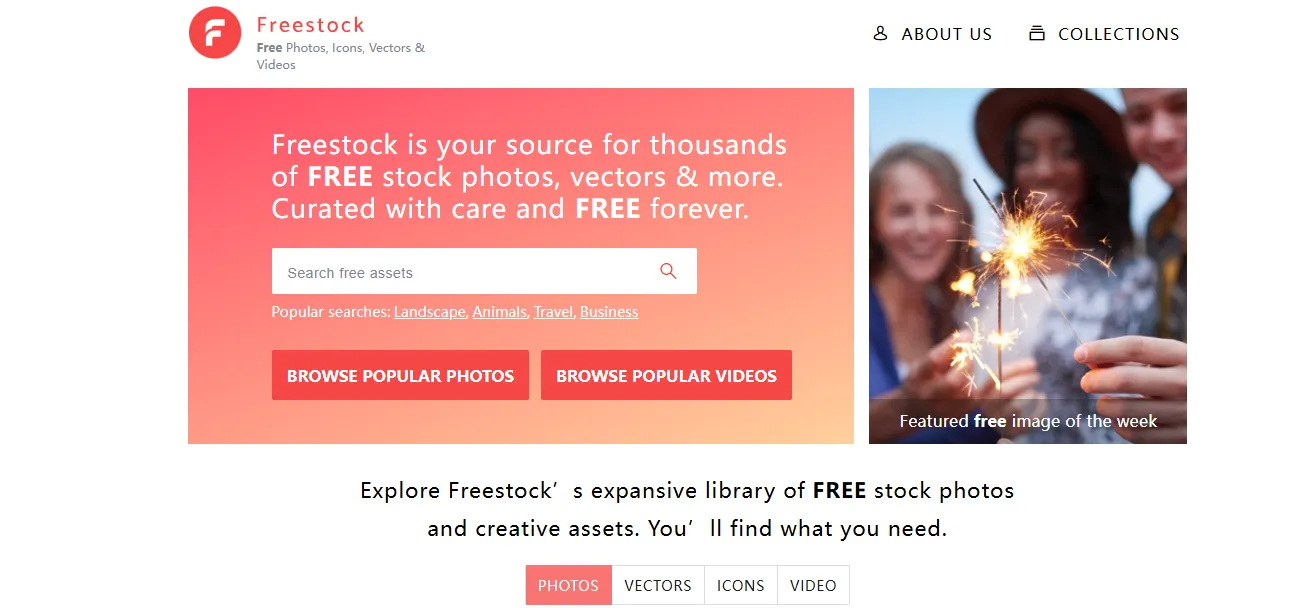
In the competitive world of 2026 digital content, Freestock (often referred to as Freestock.com) serves as a specialized, curated repository designed for creators who need a mix of different visual assets without the complexity of traditional stock marketplaces.
Freestock offers a selection of stock video assets carefully curated by creative industry experts. Its library includes a number of collections around themes such as nature, industrial, green screen, and corporate video. Freestock prides itself on keeping creators in mind as it continually grows its collection.
⏩Main Content
Freestock focuses on Foundational and Editorial assets. It is particularly strong in:
-
Backgrounds & Overlays: Clean, high-resolution textures and abstract patterns that work perfectly as canvases for motion graphics.
-
Objects & Icons: A unique collection of specific object shots (e.g., tech devices, office tools) that are often harder to find on lifestyle-heavy sites like Pexels.
-
Nature & Urban B-Roll: Reliable 4K shots of cityscapes, seasons, and natural elements.
-
Vertical Assets: In response to the 2026 trend, they have expanded their collection of vertical video clips for mobile-first storytelling.
⏩Key Features of Freestock Stock Videos
| Key Features | Detailed Description |
|---|---|
| Core Offering | An extensive library of free videos, motion graphics, and templates within a larger creative ecosystem. |
| Main Content | Thousands of free high-quality videos across various categories. Also provides motion graphics, video backgrounds, and After Effects templates. |
| Licensing Model | Free with attribution. All videos are free for personal and commercial use, but using the free license requires crediting the author. The attribution requirement can be removed by subscribing to a paid Premium plan. |
| Video Quality & Format | HD and 4K resolution videos available. Videos are provided in both MP4 and MOV formats for flexibility. |
| Best For / Main Uses | Designers, marketers, and social media creators who need a wide variety of free creative assets and are comfortable adding attribution. Ideal for projects like social media posts, marketing campaigns, and presentations. |
⏩Pros and Cons
| Pros | Cons |
| Expertly Curated: Very little "filler" content; most clips are high-standard and professional. | Mandatory Attribution: Under the free tier, you generally must include a credit link (e.g., "Source: Freestock.com"). |
| Cross-Platform Compatibility: Assets are designed to work well together (matching icons and videos). | Smaller Video Library: Their collection of 4K/8K video is smaller than giants like Pixabay or Videvo. |
| Completely Free Forever: The site has a strong commitment to remaining a free resource for the creative community. | No Advanced Editing Tools: Unlike Canva or Pixabay, they don't offer built-in video editing or AI upscaling. |
| Safe for Commercial Use: Clear legal terms protect you when using assets for client work. | Strict Redistribution Rules: You cannot use their content in products for resale (like print-on-demand) without modification. |
⏩Who Is Freestock Best For?
Freepik is an excellent resource for:
-
All-in-One Creators: Individuals or teams who regularly need videos, graphics, and templates for various projects.
-
Budget-Conscious Marketers: Those who run social media channels or create marketing content and can easily include attribution (like in a video description or website footer).
-
Beginners: Its large, easy-to-browse free library is a good starting point for new content creators.
📍Is there 4K/8K/Ultra HD on Freestock?
4K (Ultra HD) is the standard for their modern video uploads. While they do have a growing section for Ultra HD, 8K is still quite rare on Freestock compared to specialized sites like RawFilm. If you need specifically 8K footage, I recommend using Freestock for your supporting elements and a premium site for your 8K hero shots.
8.Dareful - The Source for Pure 4K/8K Excellence
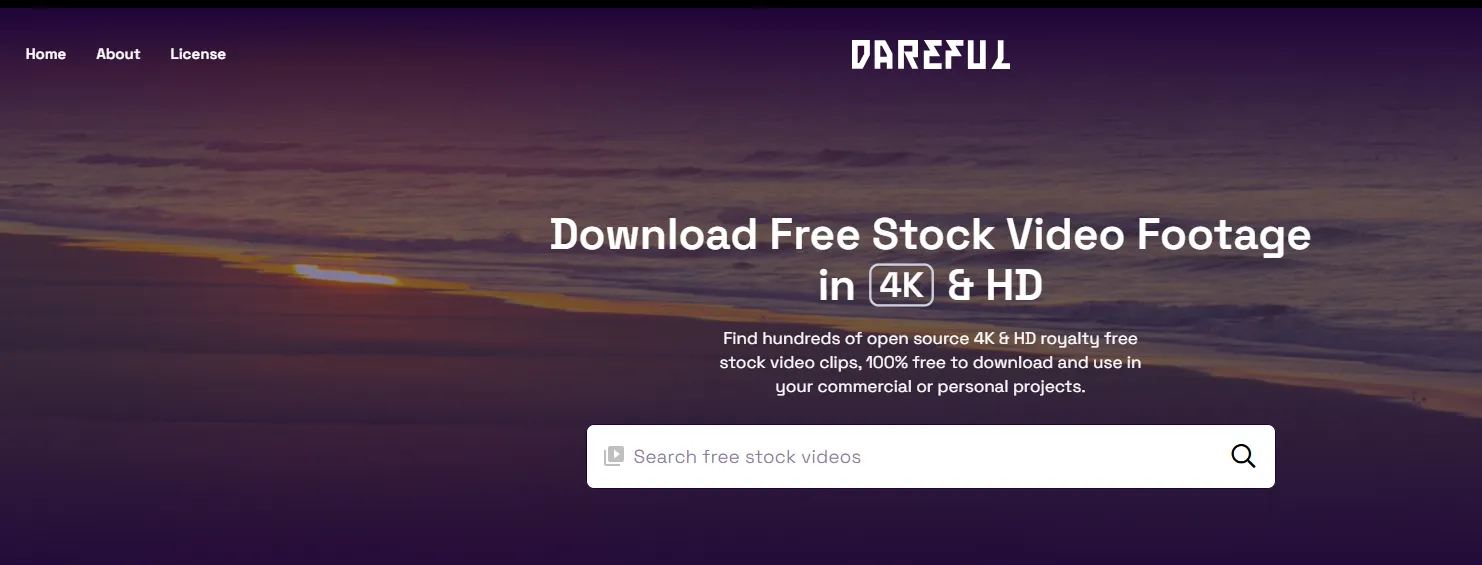
Dareful is an ideal video content platform for downloading top-quality free 4K stock videos that you can use to your heart’s content. Though the platform offers a somewhat limited collection of clips, all footage material is open-source, 4K, and royalty-free.
Keep in mind that Dareful video footage is available under Creative Commons 4.0 licensing. In other words, you can use, adapt, and share Dareful RAW footage as long as you follow the platform’s licensing instructions.
⏩Main Content
Dareful is the king of Epic Landscapes and Drone Cinematography. Its library is carefully curated into categories like:
-
Aerial & Drone: Stunning 4K bird’s-eye views of canyons, coastal lines, and forests.
-
Nature & Seasons: High-impact shots of summer beaches, winter snowscapes, and autumn leaves.
-
Urban & Cityscapes: Beautifully framed time-lapses of city traffic and hazy horizons.
-
Slow Motion: Specialized clips designed for dramatic b-roll, such as water ripples or extreme sports action.
⏩Key Features of Dareful Stock Videos
Here is a summary of Dareful'a key features:
| Key Features | Detailed Description |
|---|---|
| Core Offering | A curated collection of high-quality 4K & HD stock video clips shot by a single professional. |
| Video Quality | 4K and HD resolution. |
| Licensing | 100% free for personal and commercial use under the Creative Commons Attribution 4.0 license. Attribution is required (credit to Dareful). |
| Library Size | Smaller and curated (242 videos), not a massive database. |
| Content Style | Professional, visually stunning footage, including aerial shots, nature, cityscapes, and time-lapses. |
| Best For | Creators who need a few high-impact, cinematic clips and are willing to provide attribution. |
⏩Pros and Cons
| Pros | Cons |
| Pristine Quality: Every clip is guaranteed to be professional, cinematic-grade 4K or HD. | Mandatory Attribution: You must link back to Dareful and credit the source in your project. |
| Zero Cost: No credit cards, no subscriptions, and no hidden fees for the high-res files. | Smaller Library: Compared to Pixabay's millions, Dareful only has hundreds of clips. |
| Consistency: Because one main cinematographer shot the library, the color profiles and "look" are easier to match in an edit. | Limited Human Subjects: The library is much stronger on landscapes/objects than on people or "lifestyle" scenes. |
| No Watermarks: Clean, raw files that are ready for professional color grading. | Static Collection: The library grows much slower than community-driven platforms. |
⏩Who Is Dareful Best For?
Dareful is an excellent resource for specific creators who value quality and a clear license. It is best for:
-
Content Creators (YouTubers, Filmmakers): Looking for a few stunning, professional-grade clips to elevate their projects without a budget.
-
Marketers & Small Businesses: Needing high-impact video for ads, websites, or social media to compete with larger brands.
-
Hobbyists & Enthusiasts: Passionate about video quality and who appreciate that the footage is shared by the creator for the community.
📍Is there 8K on Dareful?
As of 2026, Dareful is a leader in 4K and Ultra HD. While they have begun adding a small selection of 8K landscape footage, the majority of their "UHD" collection is currently 4K. If your specific goal is 8K, check their "UHD" category regularly, but expect 4K to be the primary resolution.
📝How to Choose the Right Free Stock Video Website: A Selection Guide
Choosing the right free stock video website in 2026 requires more than just looking at the footage. With AI-generated content on the rise and stricter copyright enforcement, you need a strategic approach to ensure your videos are high-quality and legally safe.
Here is a 5-step guide to choosing the perfect platform for your needs.
✅Prioritize "Legal Safety" Through Licensing
Before you fall in love with a 4K clip, check the license. In 2026, the legal landscape is divided into three primary categories:
-
Creative Commons Zero (CC0) / Public Domain: The gold standard. You can use, modify, and distribute these for commercial projects without credit. Sites like Pexels and Pixabay typically fall here.
-
Creative Commons with Attribution (CC BY): You must credit the creator. If you forget to add a link in your YouTube description, you could face a copyright strike. Platforms like Dareful or Vidsplay often require this.
-
Commercial vs. Editorial: Avoid "Editorial Use Only" clips for ads. These are meant for news or documentaries and often contain logos or people without signed releases.
✅Match Resolution to Your Project Goals
Don't settle for "HD" (1080p) if you're building for the future.
-
For Social Media (TikTok/Reels): Look for sites with Vertical Orientation filters (like Pexels or Mixkit).
-
For Professional Screens: Ensure the site offers True 4K (Ultra HD). Some sites upscale lower-quality footage, so check for "high-bitrate" downloads to avoid pixelation.
-
For High-End Editing: Choose sites like Dareful that provide cinematic-grade 4K, allowing you more flexibility in color grading.
✅Evaluate Content Freshness & Overuse
SEO is not just about keywords; it’s about originality. If you use the same "Happy Person Typing" clip that 1,000 other websites are using, your brand feels generic.
-
Tip: Use the "Newest" or "Rising" filters.
-
Niche Platforms: Use specialized sites like Coverr for tech/web backgrounds or Mazwai for artistic, cinematic storytelling to ensure your visuals stay unique.
✅Look for Post-Production Integration
Efficiency is king. Choose a site that saves you time in the editing booth:
-
Templates & FX: Sites like Mixkit or Videvo are superior if you need matching transitions, sound effects, or Premiere Pro templates alongside your raw footage.
-
Workflow Integration: If you use Canva, platforms like Pexels are already built into your sidebar, eliminating the need to download and re-upload files.
✅Assess "Model & Property" Protection
If your video features a person's face or a private building, you need peace of mind. Reliable sites like Vecteezy apply rigorous standards to ensure "Model Releases" are on file, protecting you from future legal disputes regarding a person's likeness.
✅Platform Focus & Target Use
Think about your project format. For YouTube, social media Shorts, or Reels, platforms offering vertical video or loopable backgrounds are more convenient. For cinematic or marketing projects, premium-looking 4K footage may be more important than variety.
📌Summary Selection Checklist
| If you need... | Your Top Priority should be... | Recommended Site |
| Quick Social Posts | Vertical Filter & No Attribution | Pexels |
| High-End Commercials | Vetted Licenses & Model Releases | Vecteezy |
| Artistic Filmmaking | Cinematic 4K & Raw Textures | Dareful |
| Complex Editing | Templates & Sound Effects | Mixkit |
🔎FAQs: Common Issues & Solutions for Free Stock Video Users
When using free stock video websites, creators often face challenges ranging from legal ambiguity to technical glitches. Below is a concise summary of the most common issues and their professional solutions.
| Common Question | Answer / Solution |
|---|---|
| Can I use free stock videos for commercial projects? | Check the website’s license. Many sites like Pexels, Pixabay, and Dareful allow commercial use, but some free sites require attribution. |
| Do I need to give credit to the creator? | Some platforms (like Vidsplay or Dareful) require attribution. Others (like Mixkit or Coverr) often allow use without credit. Always verify per video. |
| Can I modify or edit the videos? | Most free stock video platforms permit modification, remixing, or combining with other footage, but always check the license to ensure it allows derivatives. |
| Are there high-resolution options like 4K or 8K? | Many sites provide HD (1080p) for free; sites like Dareful, Coverr, and Mixkit offer 4K clips. True 8K is rare on free platforms. |
| Is it safe to download without signing up? | Most reputable free stock sites are safe, but avoid suspicious platforms. Stick to well-known sites like Pexels, Pixabay, Mixkit, Videvo, or Dareful. |
| Can I use stock footage for social media or YouTube Shorts? | Yes, most free stock sites allow use on social platforms. Check vertical video options if you need Shorts/Reels format. |
| Are free stock videos unique? | Free stock content is widely available, so many creators may use the same clips. For unique footage, consider custom shooting or premium sites. |
| Can I redistribute or resell the stock footage? | Usually not. Free stock videos cannot be sold as-is or redistributed as stock. Editing and integration into your project is required. |
| How often is the content updated? | Platforms like Pexels, Pixabay, Mixkit, and Videvo regularly add new content; niche sites like Dareful update more selectively. |
| Can I use free stock videos for AI training or datasets? | Most free stock licenses prohibit using videos for AI model training or datasets. Check site-specific license terms. |
Bottom line: The right free stock media website depends on your project type, quality needs, licensing requirements, and preferred workflow. For broad variety and flexibility, platforms like Pexels, Pixabay, and Mixkit are excellent. For high-end 4K cinematic visuals, Dareful or Videvo may be better. Always balance quality, convenience, and legal clarity to ensure a smooth creative process.